

home care agencies can get EVV for free. But “free EVV” and “everything your agency needs for free” are different promises.
If you already pay a monthly software bill, ask what you could replace without losing the tools your office relies on. If you use the state’s free option, ask whether another workflow would better fit your caregivers and office staff.
The decision carries more weight in 2026. For many home health and personal care services, Michigan won’t let a claim be created until a complete visit record reaches HHAeXchange. Here’s what to check before you sign up for free EVV software in Michigan.
What Free EVV Options Are Available in Michigan?
Michigan uses what the Michigan Department of Health and Human Services (MDHHS) calls an open vendor model. In practice, agencies have two routes.
- The state-provided HHAeXchange EVV tools. MDHHS selected HHAeXchange as its EVV system and data aggregator. Agencies without their own EVV solution can use its tools at no cost.
- A compatible alternative EVV system. Agencies can use another system that meets state requirements, as long as it sends visit data to HHAeXchange through electronic data interchange (EDI). Pricing and included features vary by vendor.
The second route doesn’t remove the HHAeXchange requirement. Whichever caregiver app you choose, every visit’s six required details (service type, who received it, who provided it, date, location, and start and end time) still have to reach HHAeXchange. Each agency must also complete the HHAeXchange Provider Onboarding Form. One form per agency creates your portal, which is then connected to your Michigan contracts.
Caretap is another option on the second route, with a $0 monthly EVV software fee. As you compare vendors, keep one distinction in mind: a free trial ends on a set date, while a permanent free plan has no expiration.
What Does Caretap's Free Michigan EVV Plan Include?
Caretap’s free plan covers daily EVV work: recording, reviewing, and correcting visits. Compliance reporting and billing are separate paid services.
Feature | Plan |
Mobile EVV and supported telephony | Included in Free EVV |
Client and caregiver management | Included in Free EVV |
Scheduling and visit tracking | Included in Free EVV |
Visit review and necessary corrections | Included in Free EVV |
Visit records and audit history | Included in Free EVV |
Direct HHAeXchange integration through supported connections | Included in Free EVV |
Guided setup | Included in Free EVV |
Caretap EVV compliance reporting and viewing | Optional paid service |
Billing and claims tools | Optional paid service |
The offer terms are simple: no credit card, no trial expiration and no required paid upgrade.
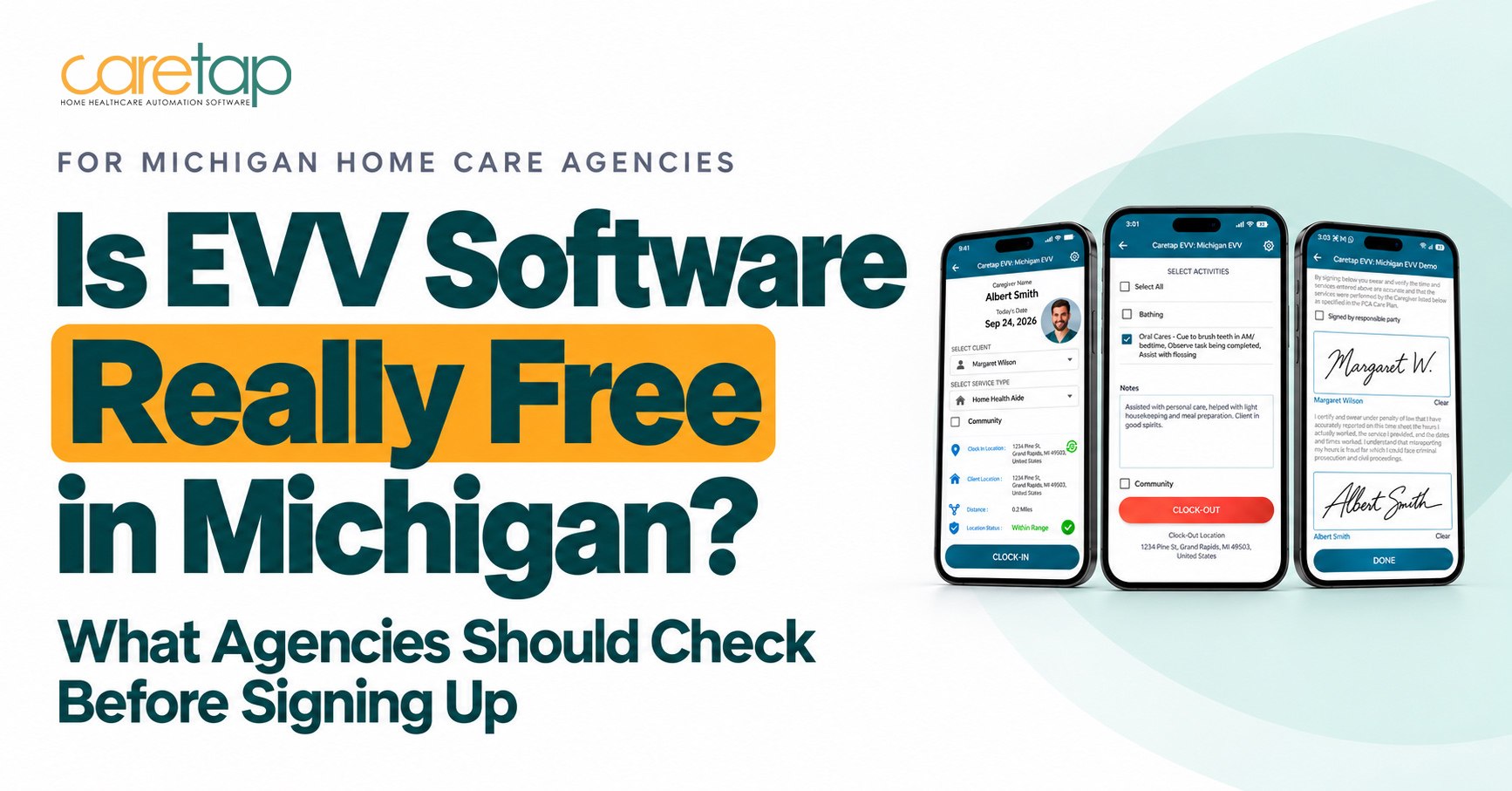
On an ordinary workday, a caregiver opens the Caretap app on an iOS or Android phone and clocks in at the client’s home. GPS records the location, date, and time. Where a phone call fits better, the caregiver can verify the visit from the client’s landline instead. The client can sign electronically at the point of care.
Back at the office, visits sync in real time. Staff can spot an incomplete record, such as a missed clock-out, document the necessary correction, and see the full history of changes.
FAQs
1. Is this a free plan or a free trial?
Ask for the terms in writing. Look for an expiration date, a subscription required after onboarding, or a free period tied to a start deadline. Then ask what happens to your account and visit data if you never upgrade. If the answer involves a date, you’re looking at a trial.
2. Which tools will my office actually get?
The caregiver app is only half of EVV. Your office needs scheduling, a way to review incomplete visits, a place to record corrections and an audit history showing who changed what. Ask the vendor to show each one inside the free plan during the demo, and note anything they describe as an upgrade.
This matters more in Michigan now. MDHHS expects at least 85% of EVV visits each quarter to be completed with no manual edits, measured separately for each payer. A manual edit is any visit detail entered or changed after the visit, such as a missing clock-out or an adjusted start time. Your software should make those visits easy to find and explain.
3. How will our visits reach HHAeXchange?
“We integrate” should lead to a walkthrough of the actual process. Ask which connection the vendor supports, what your agency has to set up and who gets alerted when a transmission fails. A visit recorded in your app but never received by HHAeXchange doesn’t count, and for covered services it can hold up the claim. Before relying on the connection, send a test visit and confirm it arrives.
4. What help is included with setup?
Clarify who handles initial configuration, how caregivers and office staff get introduced to the system and who you contact when something goes wrong. Don’t assume “free setup” covers every migration task, such as moving client records or historical visit data. Get the division of responsibilities in writing.
5. What will we still need to pay for?
List the software you’ll keep, the optional modules you might add and any contract you’re still tied to. A $0 EVV subscription doesn’t automatically eliminate your agency’s entire technology bill. If billing, payroll or compliance reporting matter to you, price them now so the total doesn’t surprise you later.
6. Is HHAeXchange integration included in Caretap Free EVV?
Yes. Direct HHAeXchange integration through supported connections is part of the free plan. Your agency still needs to complete the HHAeXchange Provider Onboarding Form.
7. Is Caretap’s compliance-reporting dashboard included?
No. Caretap EVV compliance viewing and reporting is an optional paid service. HHAeXchange also makes monthly compliance reports available to Michigan providers.
8. Does free EVV software guarantee Michigan Medicaid compliance?
No. Compliance depends on accurate visit records captured at the point of care, your agency’s own procedures and the requirements of each payer you work with.
Already Paying for EVV, or Already Using a Free System?
If you pay for EVV today, pull the EVV portion out of your current bill and compare it with what Caretap’s free plan includes. Charges for billing, payroll or other tools you plan to keep aren’t savings just because the EVV line drops to zero. Also check your current contract for notice periods or early-exit fees.
If you use the state’s free HHAeXchange tools, consider a second free option only if its workflow suits your agency better. A fair test is to run the same three tasks in both systems: recording a visit, reviewing a missed clock-out, and finding the correction history afterwards. Ask a caregiver and an office coordinator to test it, since they’re the ones who’ll use it every day.
For a broader comparison of scheduling, billing and payroll platforms, see our Michigan home care software buyer’s guide.
What Should Happen Before You Switch?
A careful switch protects your claims while caregivers and office staff adjust. Work through it in this order:
- Review your services and payers. Confirm which services require EVV, what each payer expects and how you report today.
- Walk through daily tasks. Have caregivers clock in and out, and have office staff review and correct visits in the new system.
- Confirm setup responsibilities. Agree on who configures what and how staff will be prepared.
- Validate the new submission pathway. Confirm test visits arrive in HHAeXchange before you change the process you rely on now.
Expect a learning period while your team settles into a new app. Our Michigan EVV setup checklist covers each step in more detail.
Find Out Whether Free EVV Fits Your Agency
Your EVV software fee can be $0. Next, check whether the caregiver workflow, office tools, and reporting setup fit your agency.
See Caretap’s included features in action, and review your Michigan setup requirements before you decide.